ExitLag and Gaming VPNs
ExitLag and similar gaming VPNs can help reduce latency, but they need some extra setup to work properly with the Web Client.
The Web Client runs inside Chrome, so gaming VPNs must optimize traffic for Chrome (the browser), not a separate game .exe.
Does ExitLag work with the Web Client?
Yes, ExitLag should work out of the box with the Web Client.
Do the following in order:
WARNING
Following these steps will route all Chrome traffic through ExitLag, not just the game. If you'd rather keep your everyday browsing unaffected, use a dedicated browser for the game and add that browser to ExitLag instead.
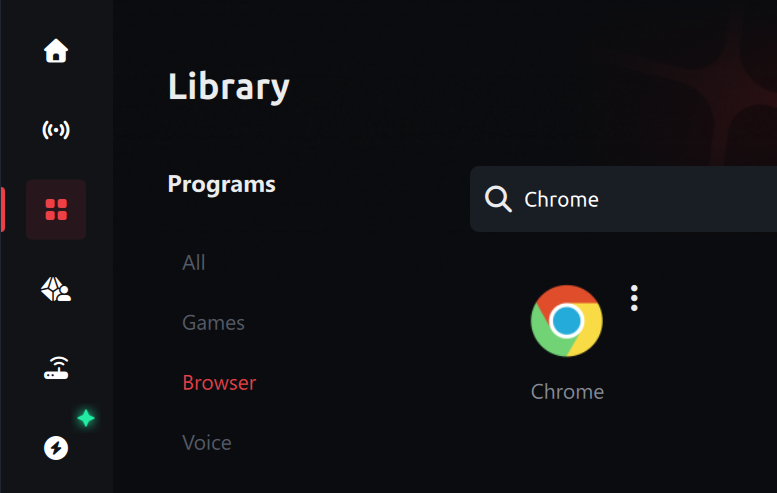
- Add Chrome to ExitLag: Go to the Home tab, search for Chrome, and click it to add it to your optimized applications. Look under the Browser category if it doesn’t appear immediately.
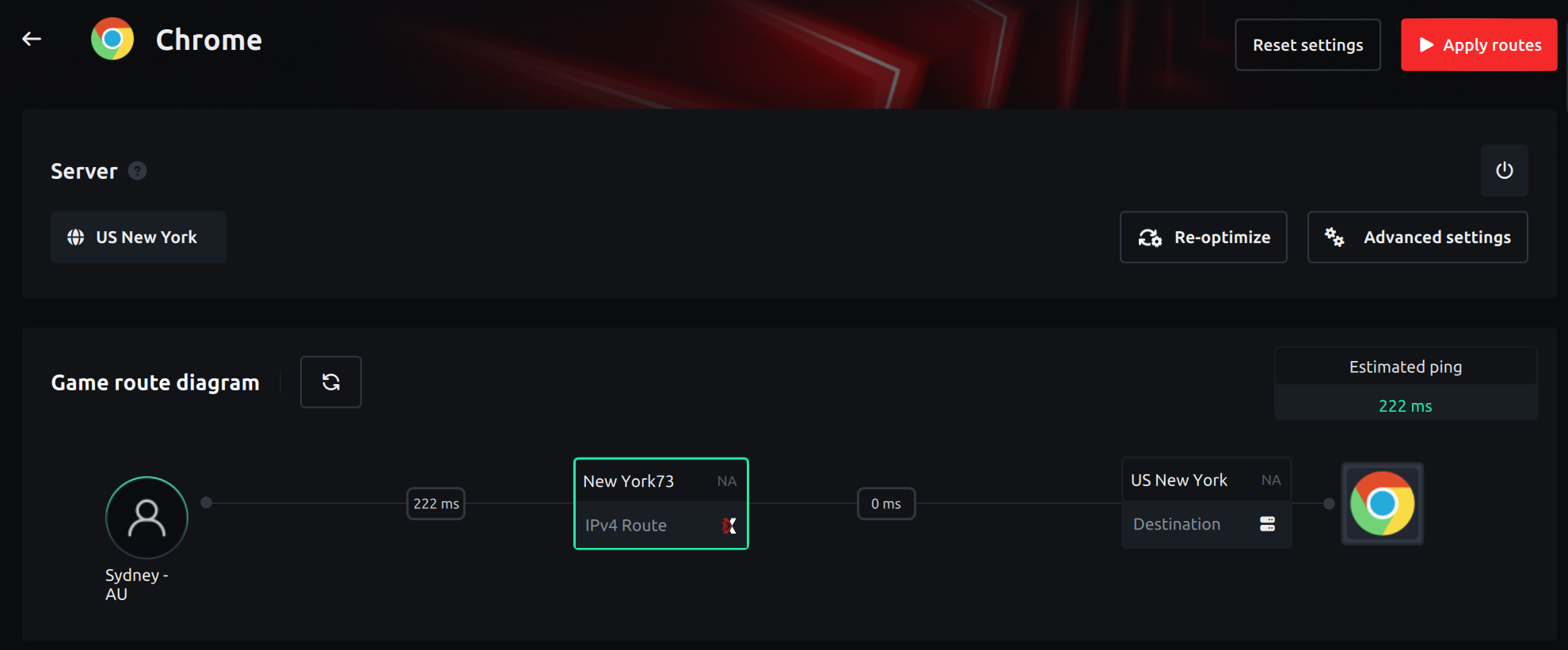
Choose the server region: After adding Chrome, click it in your list. Pick the region that matches where your game server (shard) is located. If ExitLag shows Recommended or Automatic, you can use that so it picks a route for you.
Apply routes: Click the red Apply Routes button so ExitLag starts routing traffic for Chrome. Wait until it shows that routes are active.
- Start Chrome only after routes are applied: Close Chrome completely if it’s already open, then launch Chrome from your desktop or Start menu. Go to the Web Client and play.
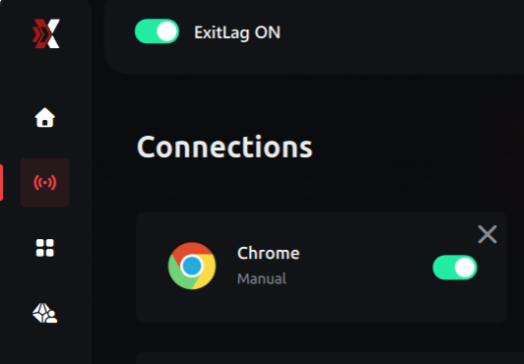
- Verify it’s working: Log into your character, then toggle ExitLag off (top-left of the window). If your game disconnects, ExitLag is routing your traffic correctly. Toggle it back on and reconnect.
Known issue: IPv6
Some players on IPv6 connections may find that ExitLag does not route game traffic correctly. We are aware of this and are working on a fix. In the meantime, if ExitLag doesn't seem to be doing anything, this may be the cause.
If you're on an IPv6 connection and ExitLag isn't helping, you may need to wait for a fix or try a different network setup (for example, using IPv4-only where possible).